


Computers, Printing, and Copying
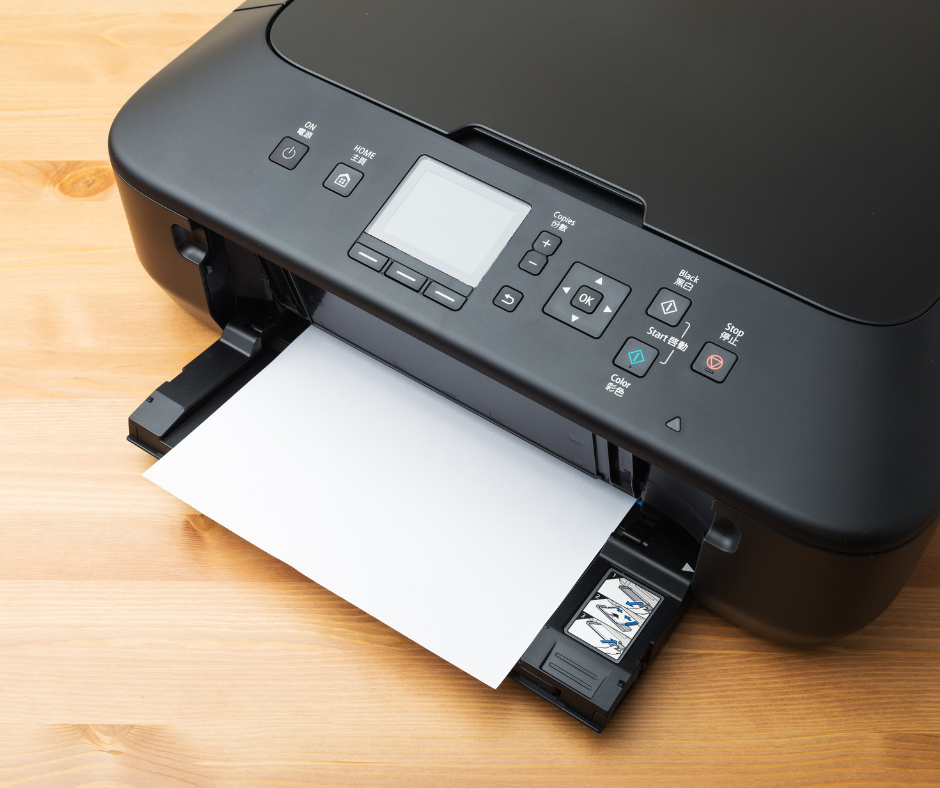
All Worcester Public Library locations offer public computer access, free wireless internet, and printing services.
Want to print from your laptop or mobile phone? Mobile Printing is available at the Main Library via Princh. Please use our unique 6-digit Printer-ID 109287 to print. If you want to print in color or make additional copies, make sure to choose settings. Larger print jobs will take longer to complete. Print jobs are deleted after four hours to protect your privacy.
There is no app to download, access Princh online.
Main Library
- The Main Branch offers Express Desktop Computers on the first floor for 15-minute use, no library card needed.
- Adult Desktop Computers are located on the second and third floor, sign up directly at an available computer for a 60-minute session with unlimited sessions.
- All computers have basic software and hardware, such as Microsoft Office and Adobe Reader, USB ports for flash/thumb drives, and headphone jacks.
- Once you log out of your session, or your session times out, our computers will clear out any data or saved documents for your privacy and protection. Please be prepared to save your work to a flash drive or email to yourself.
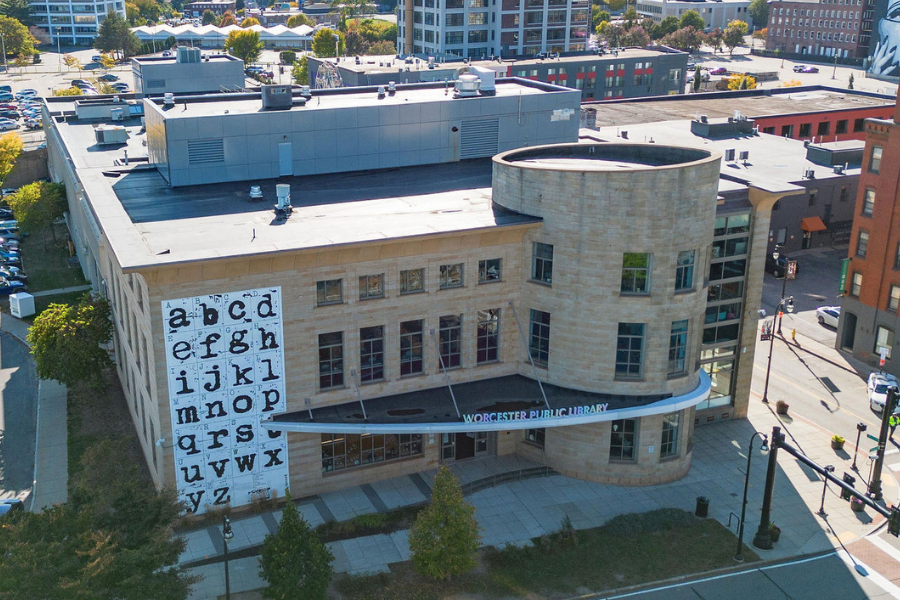
- Teens ages 12-18 can use computers in the Teen Space on the first floor by logging in with their library card and PIN.
- Children ages 11 and under can use computers in the Children's Center on the third floor. Computers can be used for 30 minutes at a time.
Main Library Printers, Copiers, and Scanning
Specialized computers:
- Career Computers for schoolwork, job searches, and other career activities are available on the second floor. Sign up at the second floor desk.
- The Adobe Computer on the second floor has the full suite of Adobe Creative Cloud programs. Ask at the second floor desk for details or to sign up. For experienced users only.
- Genealogy Computers for people researching family history are available on the third floor. Sign up at the third floor desk to get an access code.
Computers for Children and Teens
Computers for Adults
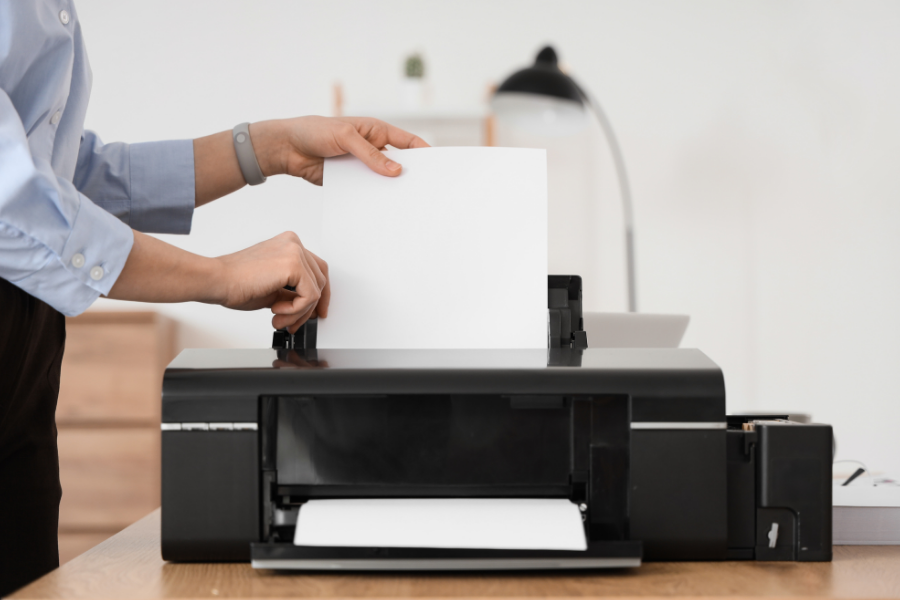
- Copying and printing services are available on every floor of the Main Library. Black and White printing costs 15 cents per page, and color printing costs 30 cents per page. Patrons cannot print from a USB at our copiers/printers.
- Printing and copying is offered on 8.5" x 11" size paper only. We do not allow nor supply any other size paper.
- Card payments (except for debit cards), phone tap payments, or cash are accepted at all print stations. Payments made with card or tap will be charged a minimum of .25 cents.
- We cannot accommodate requests to use printer paper other than what is provided by the library. If you need to print on specialty paper (i.e. cardstock), we recommend using a professional printing service.
- The library's multifunction copiers can scan documents to an email address at no cost.
- Faxing services are available on the first floor in the Newspapers and Magazines area. Faxing costs $1 per page with a maximum limit of 20 pages. Cash or credit is accepted.
Frances Perkins Branch
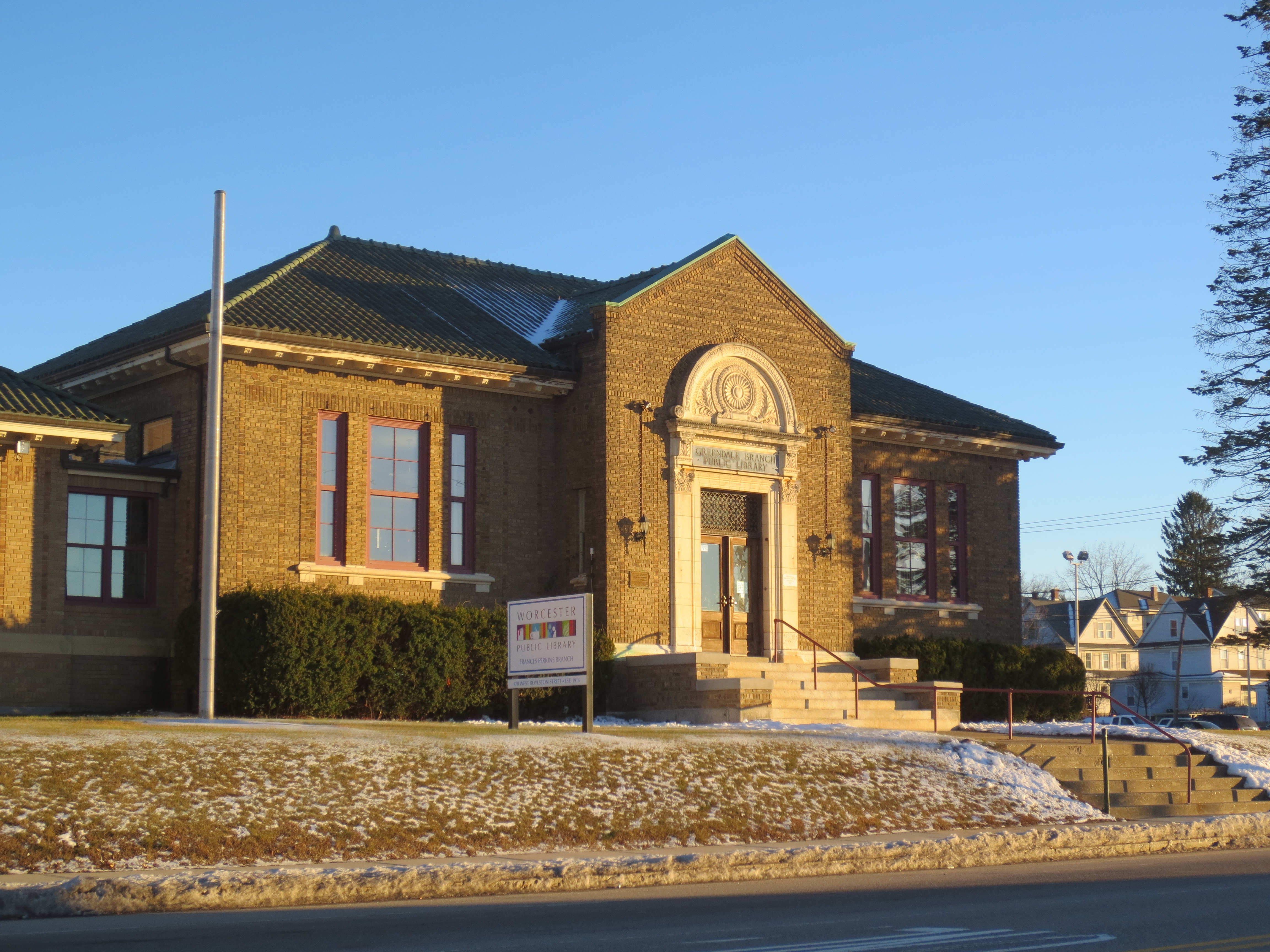
- Adult and teen computers can be used for 45 minutes at a time for an unlimited number of sessions.
- Adult and teen computers have basic software such as Microsoft Office and Adobe Reader, and USB ports for flash/thumb drives to save personal documents. Please note that computers are self-serve. Introductory computer classes are offered at the Main Library.
- Black and white printing is available for 15 cents per page. Black and white photocopies are also available for 15 cents per page.
- Computers in the Children's Area are for ages 11 and under. Please see a librarian to use them. Early Literacy Computers offering games and educational software for children are also available. No library card is needed.
- Fax services are available by seeing staff at the front desk. Fax cost $1 per page with a maximum limit of 20 pages. Cash or credit is accepted.
Great Brook Valley Branch
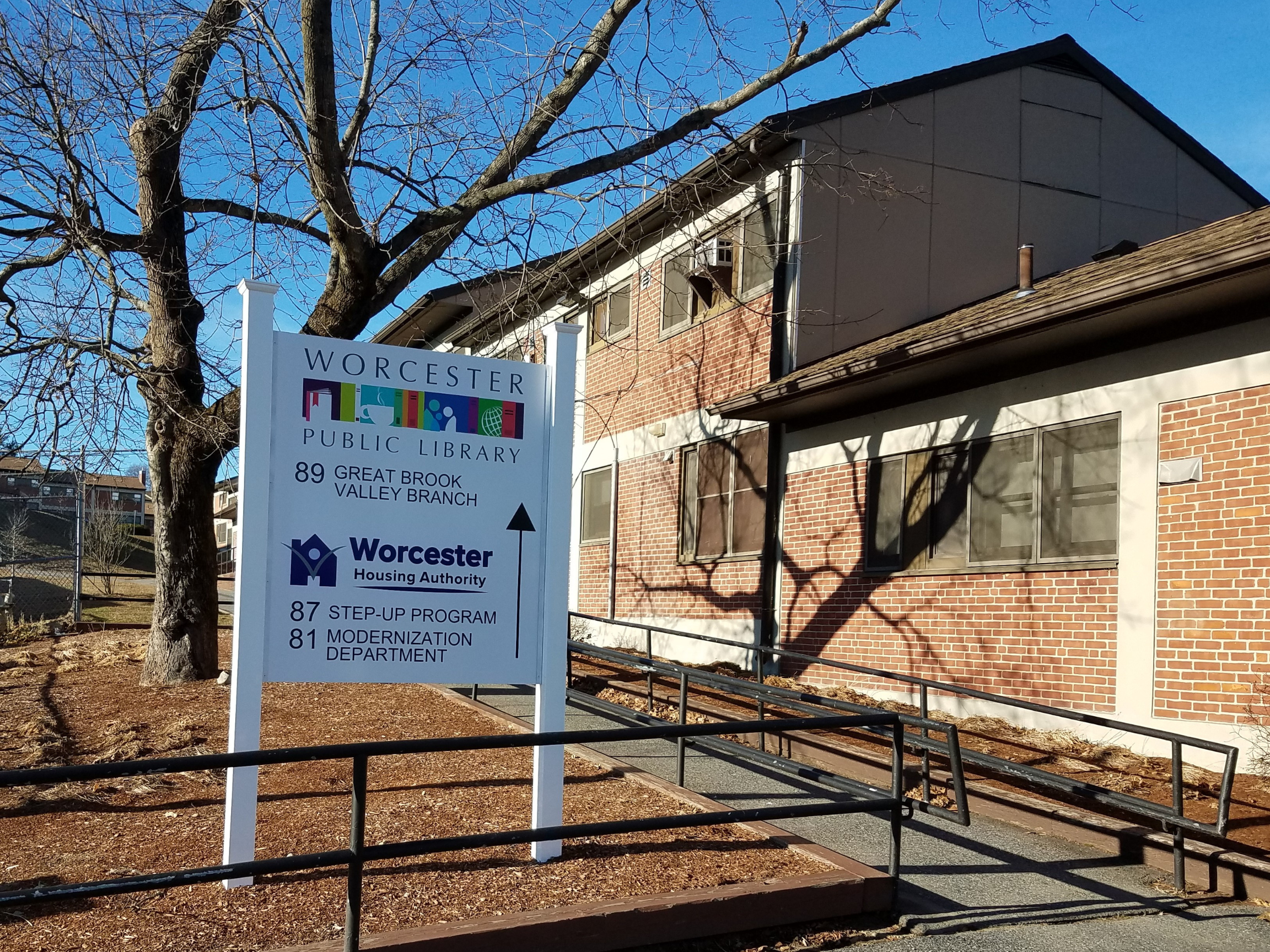
- Computers for all ages can be used for 30 minutes at a time for two sessions. Please see a librarian to use a computer. No library card is needed.
- All computers have basic software such as Microsoft Office and Adobe Reader, and USB ports for flash/thumb drives to save personal documents. Please note that computers are self-serve. Introductory computer classes are offered at the Main Library.
- Early Literacy Computers offering games and educational software for children are also available.
- Black and white printing is available for 15 cents per page.
Burncoat, Goddard, Roosevelt, and Tatnuck Branch Libraries
- Computers for all ages can be used for 30 minutes at a time for two sessions. Please see a librarian to use a computer. No library card is needed.
- All computers have basic software such as Microsoft Office and Adobe Reader, and USB ports for flash/thumb drives to save personal documents.
- Early Literacy Computers offering games and educational software for children are also available without a library card.
- Black and white printing is available for 15 cents per page.
Main Library Computer Frequently Asked Questions
How do I sign up for an Adult Computer?
Sign up directly using your name at the available computer of your choice.
How much time do I have to use the computer?
You will have a 60-minute session with unlimited sessions. Computers, printing, and copying shuts down 15 minutes before closing time.
Will the system warn me at the end of my time?
Yes, you will be warned twice, at 10 minutes and 3 minutes, before your session ends. If you ignore the warnings, the system will log off at the end of your time, and any unsaved data will be lost.
What software is available?
Microsoft Office, including Word, Excel, PowerPoint and Publisher. Adobe Reader. Chrome and Edge browsers.